Dashboard
Owner overview, quick actions, alerts, jobs, invoices and business health.
Product tour
Walk through the way BizApp360 connects leads, customers, quotes, jobs, invoices, field teams, accounting, HR, support and management into one operating platform.
Live product walkthrough
Selected businesses can book a guided walkthrough using safe demo data. The demo focuses on practical daily work: customers, jobs, quotes, invoices, field teams, support and accounting.
Demo modules
Owner overview, quick actions, alerts, jobs, invoices and business health.
Customer records, sites, enquiries, sales follow-up and communication history.
Create quotes, convert approved work, send invoices and record payments.
Assign work, track field status, collect proof and hand completed work to finance.
Phone-ready PWA screens for jobs, notes, timesheets and customer sign-off.
Bookkeeper dashboard, ledger, banking, reconciliation, VAT summaries and exports.
Staff records, leave, timesheets, payroll preparation and employee self-service.
Sales, operations, finance, HR, procurement and management handoffs.
Support tickets, inbox evidence, WhatsApp contact flows and client follow-up.
Partner programme, marketplace profile and white-label readiness for approved clients.
Example workflows
Example workflow shown from the BizApp360 demo environment. These are not fake client case studies.
Lead -> Quote -> Approval -> Schedule -> Job Card -> Technician -> Photos/sign-off -> Invoice -> Payment
Job assigned -> Technician accepts -> On site -> Parts request -> Checklist -> Completion -> Manager review
Invoice -> Payment evidence -> Ledger -> VAT review -> Reports -> Accountant export
Employee captured -> Payroll setup -> Timesheet -> Approval -> Payslip -> Employee self-service
Product proof
BizApp360 is demo-ready for selected early-access businesses. Screens shown from a public-safe BizApp360 demo workspace.
Business control room
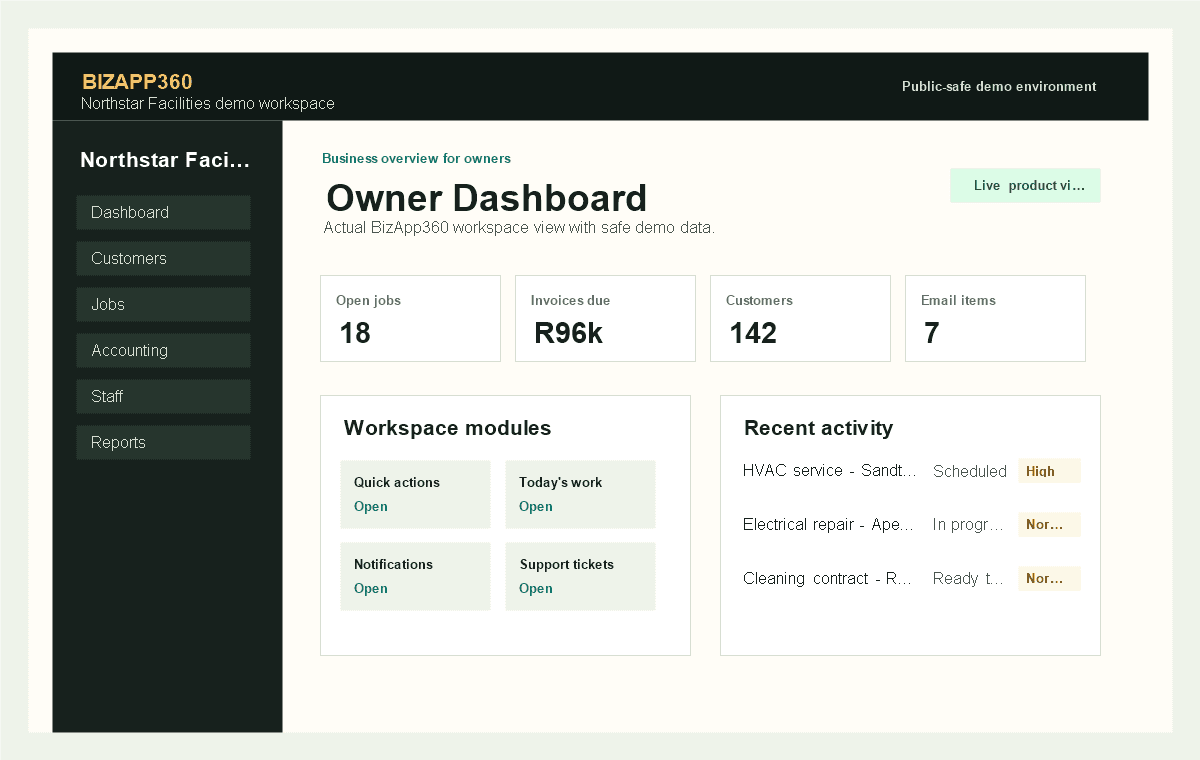
See open jobs, invoices and tasks in one owner control room.
Phone-ready field work
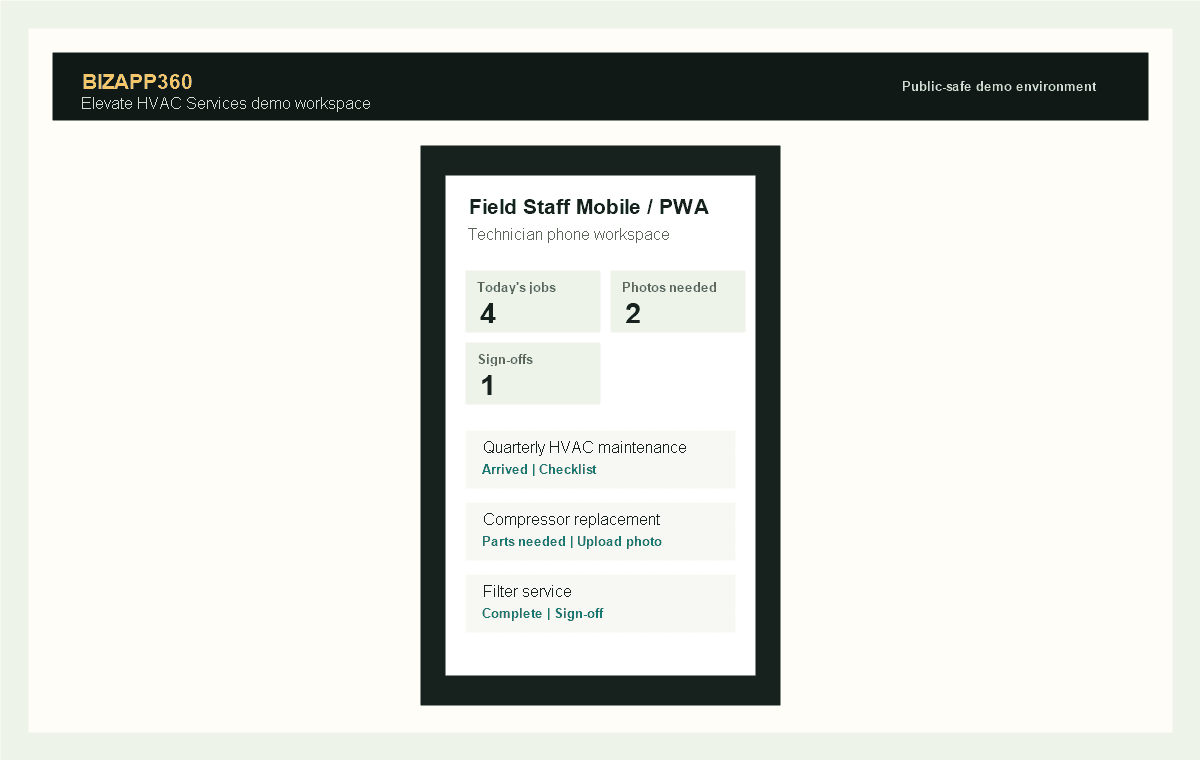
Technicians update job progress from the field using the mobile workspace.
Work execution
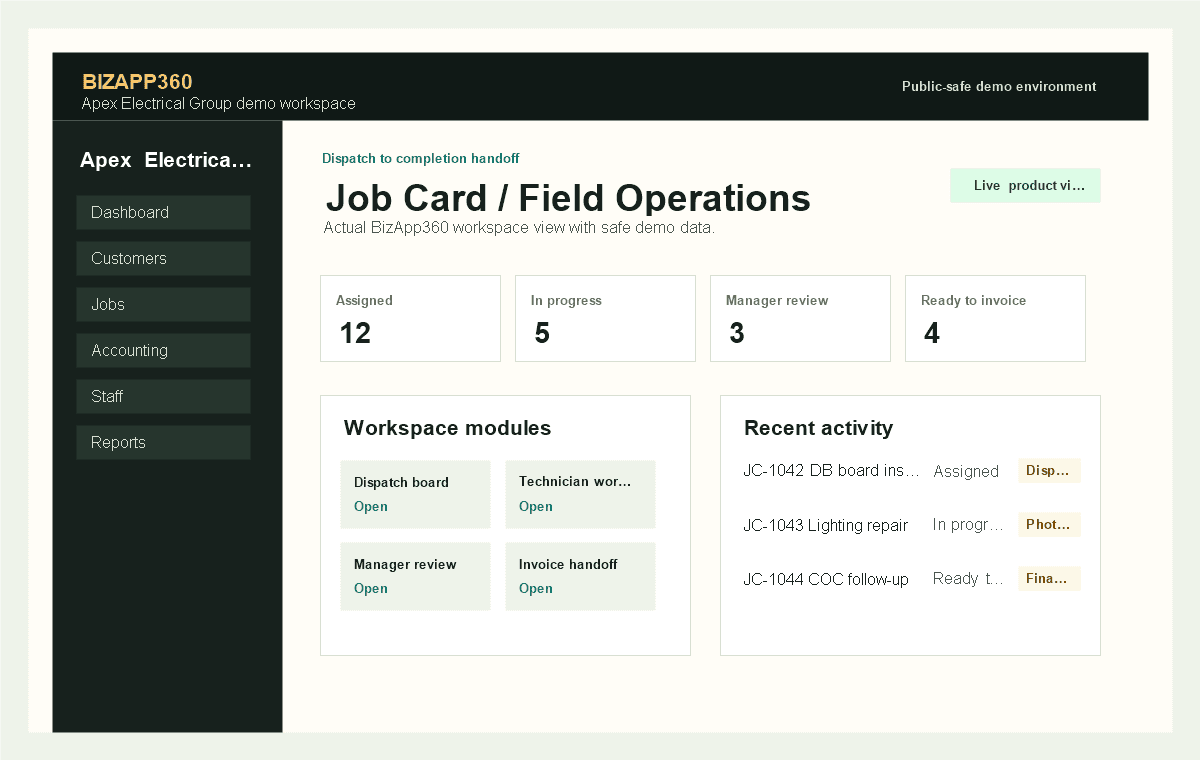
Managers review completed work before invoicing or follow-up.
Finance operations
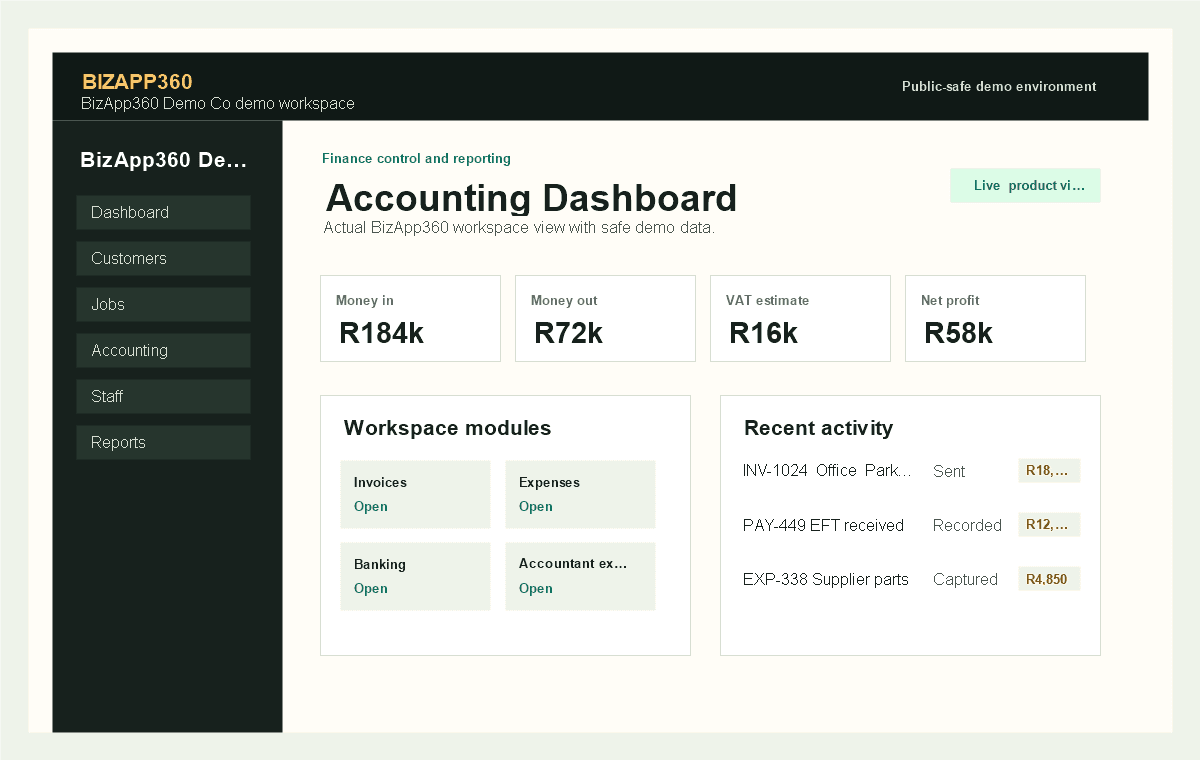
Accounting can prepare reports and exports from the same system.
Employee to payroll
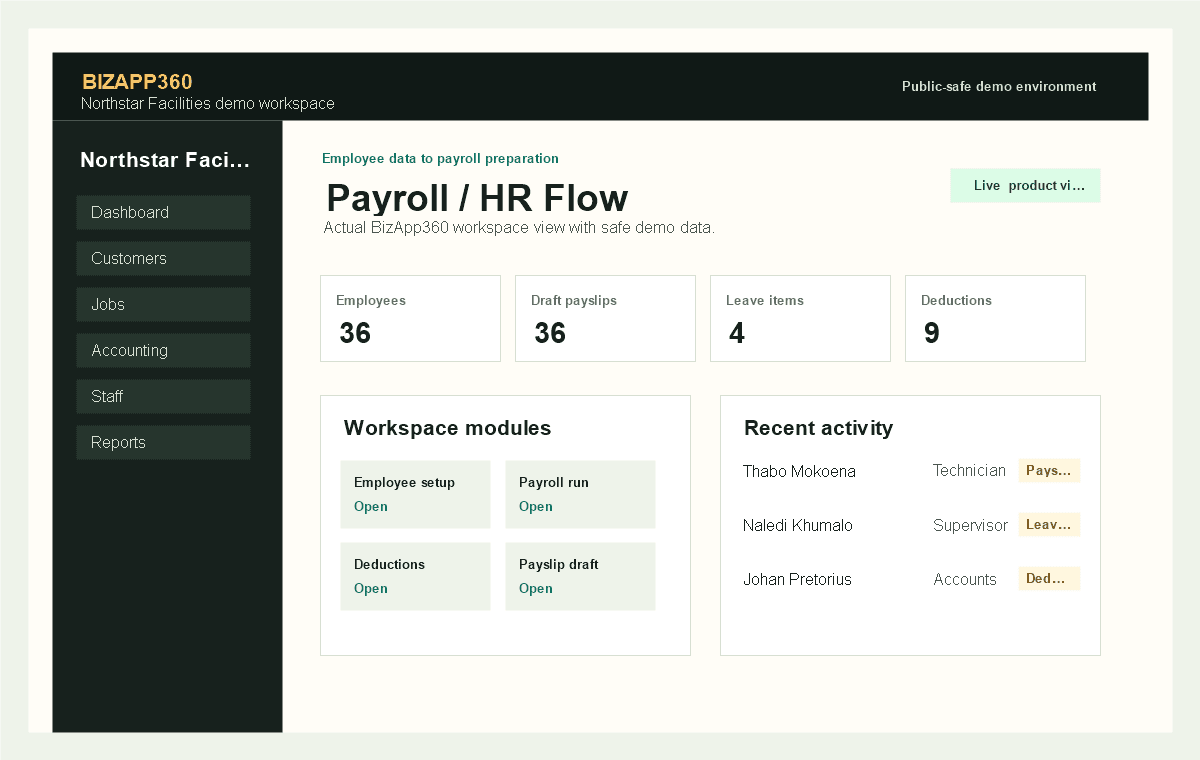
HR and payroll preparation stay connected to staff and timesheet records.
Role-based workspaces
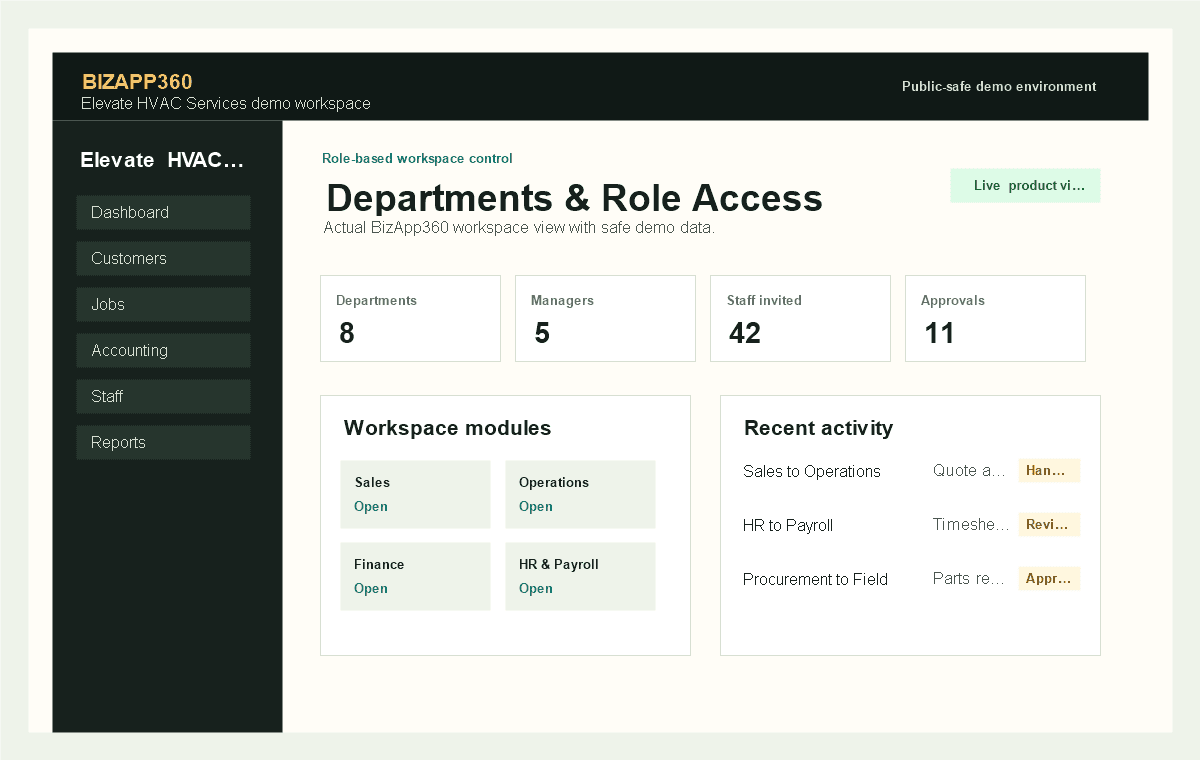
Departments hand work over with role-based access and approval visibility.
Business visibility
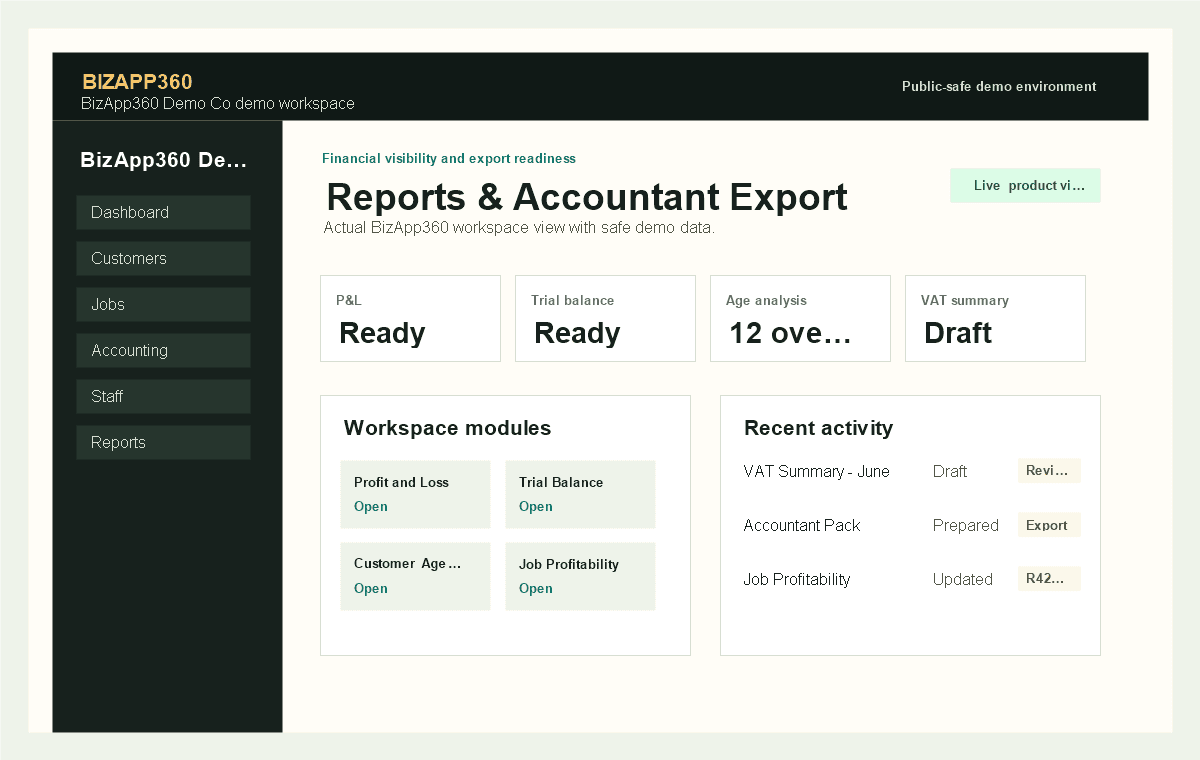
Owners and accountants can review VAT, profit and operational reports.
Customer-to-cash
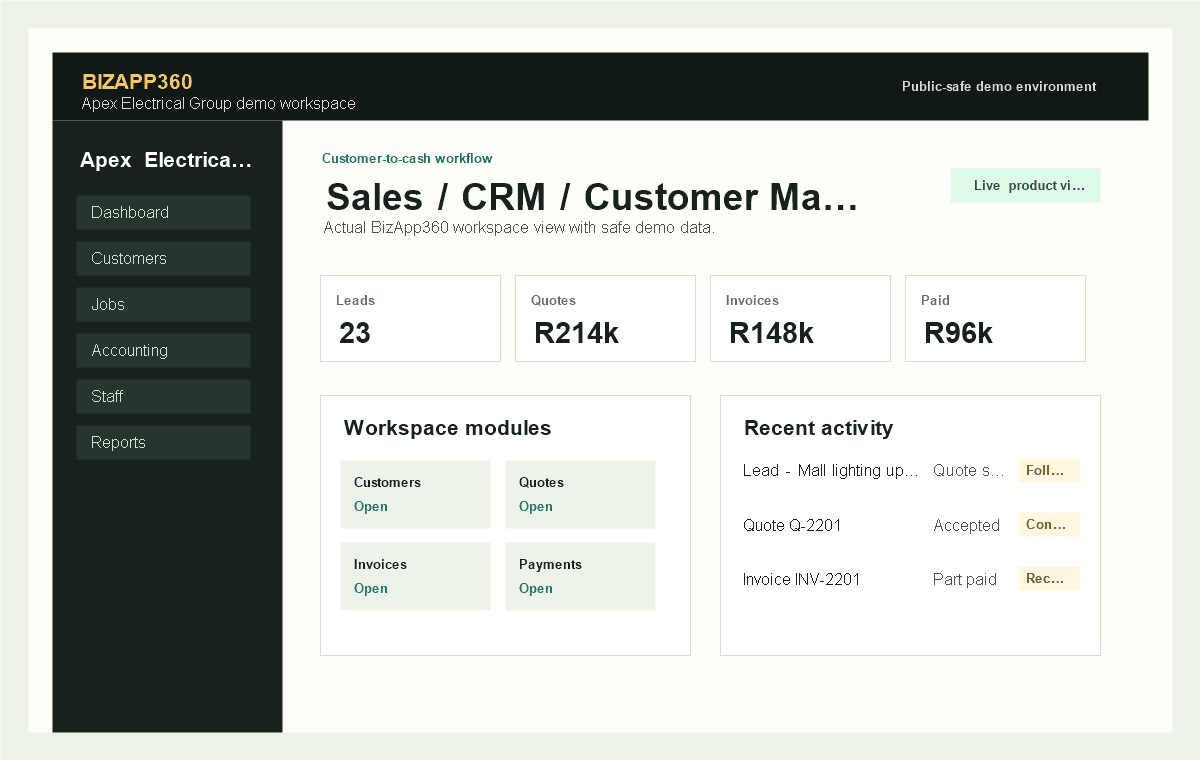
Sales, quotes, invoices and payment evidence stay connected from first enquiry.
Built with serious business controls
BizApp360 does not claim fake certifications, fake reviews or guaranteed uptime. The platform focuses on practical controls businesses need before growth gets messy.